How to find old LinkedIn messages
A quote you sent three months ago, a link shared by a contact, someone whose first name is all you remember: finding a LinkedIn message can take forever.
What LinkedIn search can do
LinkedIn messaging mostly searches by person's name and by words in the message. It doesn't let you combine criteria (a person, a time range, an attached file) the way an email inbox does.
Search like you do in Gmail
Search operators take you straight to what you need:
| Operator | What it finds | Example |
|---|
from: | A person's messages | from:claire |
|---|
label: | Conversations with a label | label:client |
|---|
is:unread | Unread conversations | is:unread label:prospect |
|---|
has:attachment | Messages with a file | has:attachment quote |
|---|
after: | After a date | after:2026-09-01 |
|---|
"…" | An exact phrase | "request for proposal" |
|---|
-word | Exclude a word | ERP -odoo |
|---|
A few useful searches to save
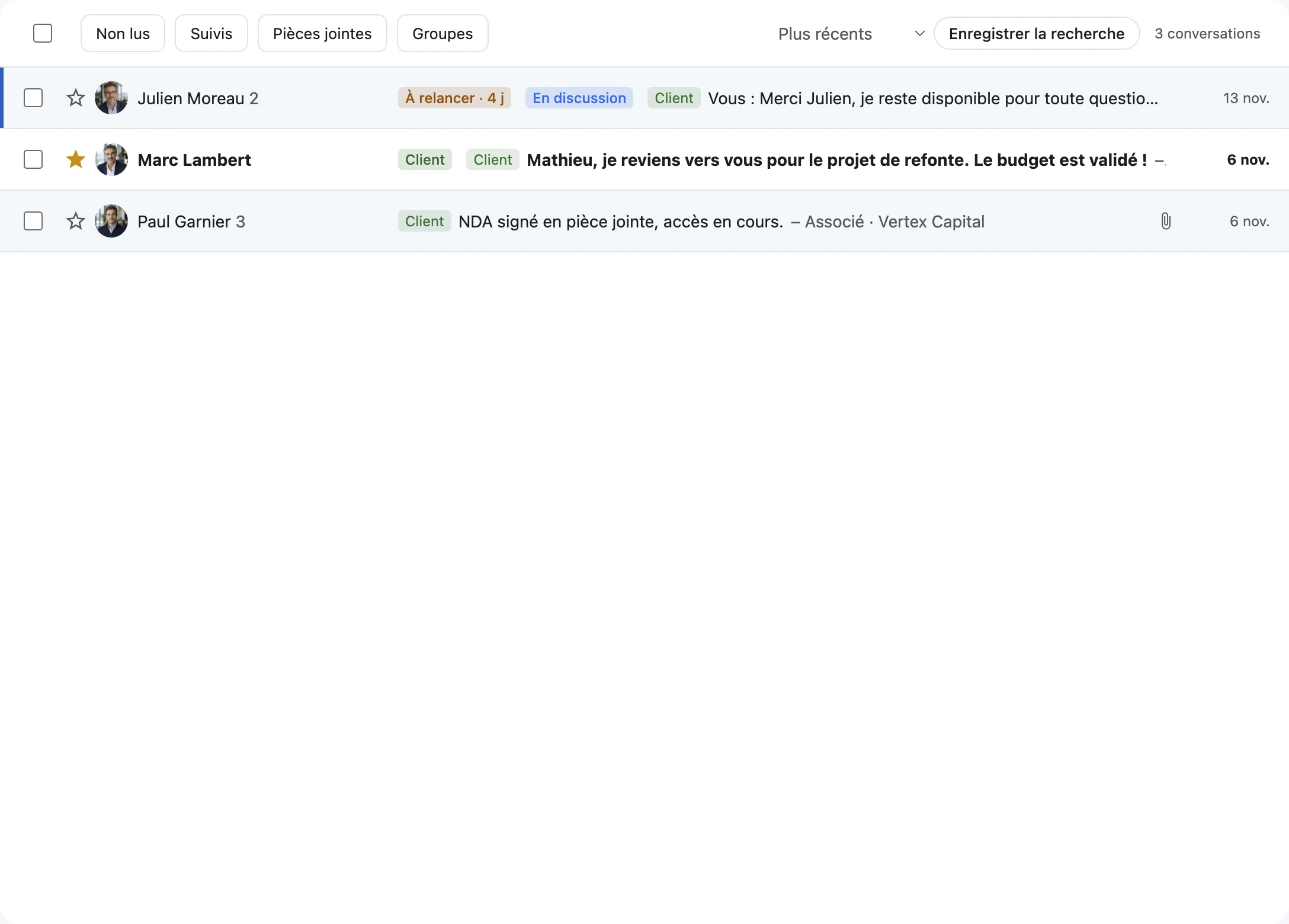
is:unread label:prospect: prospects waiting for a reply.has:attachment from:paul: every file Paul has sent.label:client after:2026-01-01: this year's client conversations.
DiscussIn: the search LinkedIn doesn't have
DiscussIn keeps your conversations on your computer and searches them instantly, ignoring accents and capitalization, with all the operators above. Frequent searches can be saved in the sidebar. If an older conversation hasn't been synced yet, DiscussIn also queries LinkedIn's own search.
Search
Are LinkedIn messages kept forever?
LinkedIn generally keeps your conversation history unless you delete it. An app like DiscussIn also keeps an encrypted copy on your computer, searchable instantly.
Can you search LinkedIn attachments?
You can find messages that contain a file (has:attachment) and filter by person or date. The contents of the files themselves aren't indexed.
Try DiscussIn for free
7 days free, no credit card required. Then €29, one time. No subscription.